








Using mobile data in Panama: what to expect
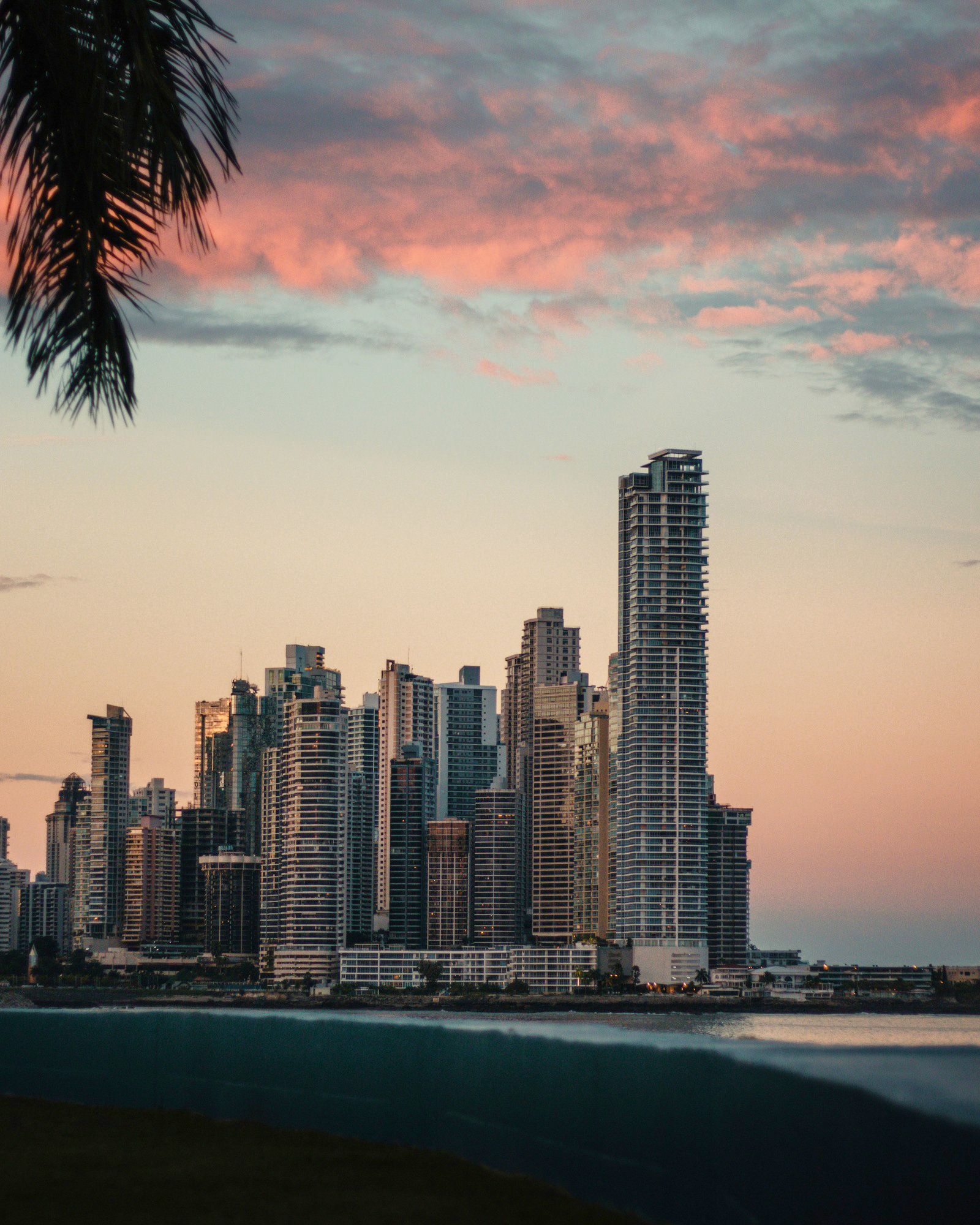
Panama has some of the better mobile infrastructure in Central America. The main operators — Tigo (which absorbed the old Cable & Wireless network), +Móvil and Digicel — give strong 4G/LTE across Panama City and the canal zone, with 5G now live in parts of the capital. For a traveller this means genuinely fast data where you'll spend most of your time: the skyline of Panama City, Casco Viejo, the Miraflores Locks and the Amador Causeway. A travel eSIM lets you skip the airport SIM counter entirely and arrive already connected, which matters when you land late and want a ride straight to your hotel.
Coverage across Panama
Coverage is excellent in Panama City and along the Pacific corridor toward Coronado and the beach towns. The Panama Canal area and Colón on the Caribbean side are well served. Things change once you head to the islands and the interior: Bocas del Toro has data on the main island (Isla Colón) and in Bocas Town, but it gets thin on the outer cayes and during water taxi hops. The highlands around Boquete and Volcán have reasonable coverage in town and patchier signal on the hiking trails up Volcán Barú. The Darién Gap toward Colombia and the remote Guna Yala (San Blas) islands are effectively off-grid — treat any connectivity there as a bonus, not a plan, and save offline maps before you go.
How much data you'll need
Day to day you'll use Waze or Google Maps — Panama City's traffic is notorious enough that Waze is the local favourite for routing around jams. Uber covers the capital and saves you haggling, WhatsApp is how you'll reach tour operators and the dive shops in Bocas del Toro, and Google Translate handles the occasional sign or menu, though English is widely understood in the city. If you're crossing the Canal or doing a partial transit, you may want data to look up schedules on the fly. A rough guide: a few days around Panama City and the Canal runs about 3-6 GB; one to two weeks adding Bocas del Toro and Boquete sits around 8-15 GB; if you're working remotely from one of the city's many co-working spots, video-calling, or streaming in the evenings, lean toward an unlimited-style option so you're not rationing. The plans above list what's live — match it to how long you're staying and how heavily you lean on your phone.
Keep your number and WhatsApp
Dual-SIM is the trick that makes this painless. Your travel eSIM handles all the data in Panama while your regular SIM stays active for your home number — incoming calls, SMS, and the two-factor codes from your bank that you'll need if you're paying for anything online while abroad. WhatsApp keeps running on your existing number, so contacts and group chats reach you exactly as before with nothing to re-set-up. Just go into your phone's settings, set the eSIM as your cellular-data line, and turn data roaming off on the home SIM. That single toggle is the difference between a clean bill and the nasty surprise of home-carrier roaming charges waiting for you when you land.
Before you fly
Check that your phone supports eSIM first — most recent iPhones (XR and later), Samsung Galaxy S and Note/Ultra lines, and Google Pixel devices qualify. Our compatibility checker confirms it instantly. Install the profile over home Wi-Fi before you leave; it activates automatically when you connect to a Panamanian network on arrival at Tocumen International (PTY) outside Panama City, or at Bocas del Toro's small Isla Colón airport (BOC) if you're island-bound.
Heading on through the Americas?
Panama is the land bridge between continents, and plenty of travellers link it with Costa Rica to the north or fly on to Colombia across the gap. If your itinerary covers more than one country, a regional plan can keep a single eSIM working across borders instead of buying fresh data each time you move.