








Mobile data in Malawi: what to expect
Malawi is a small, friendly country built around its great lake, and mobile coverage follows the population and the main roads rather than blanketing the map. The two big operators, TNM and Airtel Malawi, provide 4G that works well in the cities and lakeshore towns, giving you enough for WhatsApp, Google Maps, mobile money and the odd photo upload. Speeds are fine for everyday use near the towns and more variable in the rural interior. Data here is best treated as a tool for staying reachable and navigating rather than heavy streaming. A travel eSIM makes sense because it activates the moment you land, carries no surprise roaming bill from your home carrier, and skips the SIM-registration paperwork at a local shop.
Coverage across the country
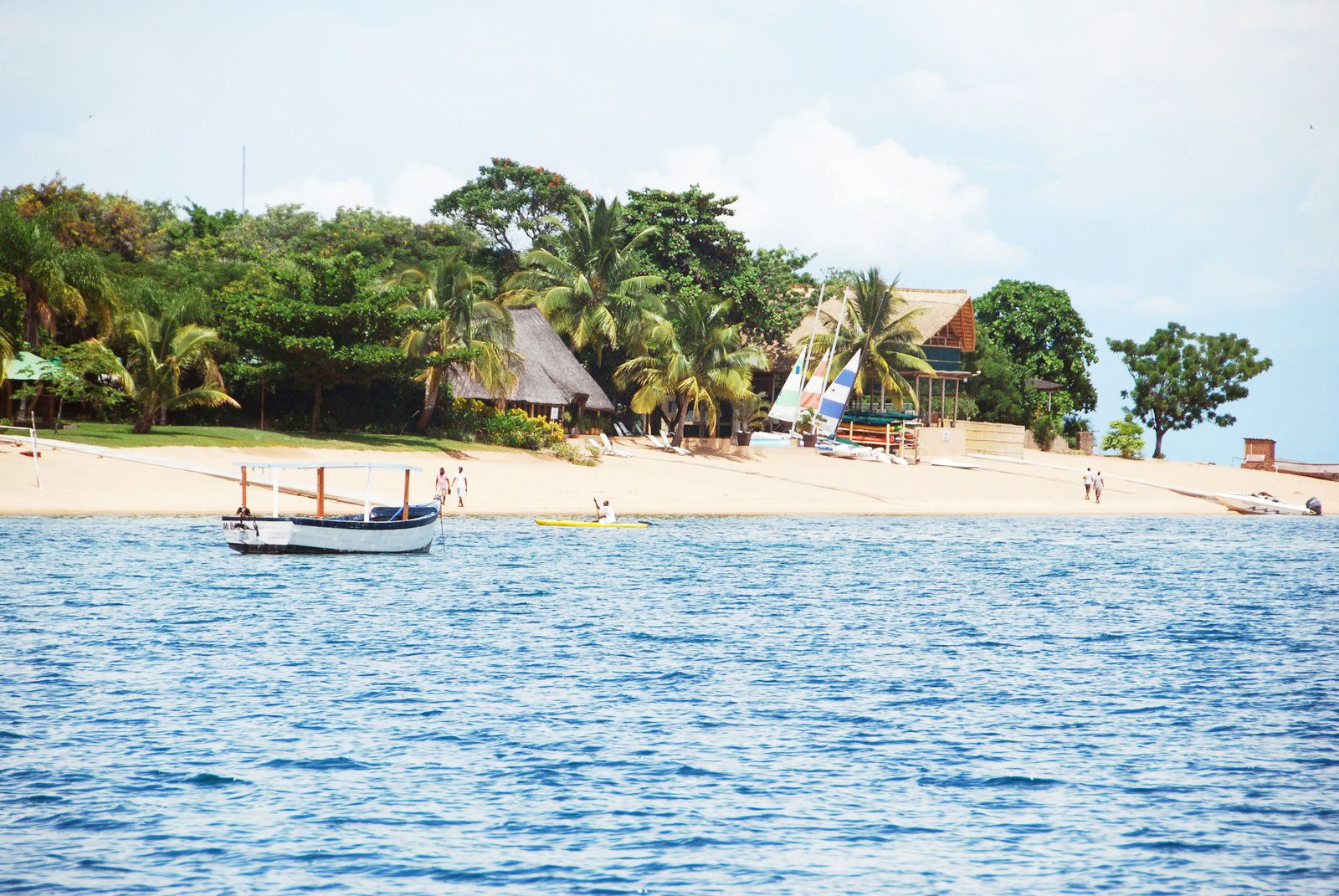
Expect dependable 4G in the capital Lilongwe, the commercial hub Blantyre, and the northern city of Mzuzu. The lakeshore resort areas — Cape Maclear and the Lake Malawi National Park, Nkhata Bay, Senga Bay and Salima, and Mangochi at the lake's southern end — generally have usable signal where the lodges and towns are. The main roads, the M1 corridor and the routes to Zomba and the old capital, keep you connected near settlements. Where it genuinely thins: the Nyika Plateau and Vwaza Marsh in the far north, the Zomba Plateau heights, the Mulanje Massif's hiking trails, and the remote stretches of Liwonde National Park and the rural villages off the tar roads can drop to weak or no coverage. On safari or hiking, expect to be offline and download offline maps before you set out.
How much data you'll need
Malawi is a light-data destination. Most visitors lean on WhatsApp for keeping in touch and arranging transfers, Google Maps or Maps.me for the roads and lake towns, and a camera-and-share habit for the lake, the wildlife and the mountains. A short stay around Lilongwe and one lakeshore base usually fits inside a few GB. A one-to-two-week trip combining the lake, a national park and some travel between towns typically lands in the 4-12 GB range — navigation and messaging add up more than streaming, since you'll be outdoors and often offline in the parks anyway. Download offline maps before you go; they cover the gaps and save data. The plans above let you pick a size to match how connected you actually need to be.
Keep your number and WhatsApp
A dual-SIM phone lets the eSIM carry your data while your normal SIM stays active for calls, SMS and bank one-time codes. WhatsApp keeps running on your existing number, so contacts and lodges reach you exactly as before. The one setting that matters: switch your home SIM's data roaming off, so it can't quietly rack up per-megabyte charges in the background while the eSIM does the work. WhatsApp is the default way most lodges and drivers in Malawi communicate, so keeping it live on your usual number is genuinely useful.
Before you fly
First confirm your handset supports eSIM — most iPhones from the XR onward, plus recent Samsung Galaxy, Google Pixel and other flagships. Our compatibility checker tells you in seconds. Install the eSIM while you're still on home Wi-Fi; it stays dormant and activates when you land at Kamuzu International (LLW) in Lilongwe or Chileka International (BLZ) near Blantyre. Doing the install before departure means you're connected as soon as you clear the terminal and can message your transfer driver straightaway. If Malawi is one leg of a wider Southern or East African route, check whether a neighbouring hub such as Tanzania fits the rest of your trip better, or look at a Zambia plan if you're crossing west toward South Luangwa and Lusaka.
Good to know: the lake and mobile money
Two practical habits make a real difference in Malawi. First, the country's draw is Lake Malawi itself — diving and snorkelling at Cape Maclear, the slower pace of Likoma Island and the Ilala ferry that links lakeshore towns — and much of that time is spent offline on or near the water, so download offline maps, ferry schedules and lodge details while you still have town signal. The Ilala in particular can be out of coverage for long stretches as it crosses the lake. Second, mobile money (Airtel Money and TNM Mpamba) is woven into daily life here and many small transactions run through it; as a visitor you'll mostly stick to cash and card, but having reliable data means apps like WhatsApp — which lodges, dive schools and drivers use as their main contact channel — stay dependable. A useful tip: keep a little data headroom for your first day, since arranging the airport transfer and the first lodge check-in is exactly when you most want to be online and least want to be hunting for Wi-Fi.