









Using mobile data in Madagascar: what to expect
Madagascar is a huge island off the southeast coast of Africa, and it pays to be honest about what its mobile networks can and can't do. In the towns the experience is genuinely fine: the operators — Telma, Orange Madagascar and Airtel — deliver workable 4G across the capital and the larger urban centres, with patches of faster service in the busiest districts. For day-to-day visitor needs in town — Google Maps to navigate Antananarivo's hilly, congested streets, WhatsApp and Facebook Messenger (Facebook is the dominant social and messaging platform here), checking tour and lodge confirmations, mobile money, and backing up photos when you have signal — you'll get by. The catch is that coverage is concentrated where the people and the roads are, and Madagascar is mostly rural with long, slow, unsealed roads between regions. A travel eSIM still earns its place: it spares you the eye-watering pay-per-megabyte roaming most home carriers charge in sub-Saharan Africa, it's working the moment you land rather than after a queue at a SIM kiosk, and it keeps your usual number live alongside it. Just set expectations: this is a destination where being intermittently offline is part of the trip, not a fault to fix.
Coverage across Madagascar
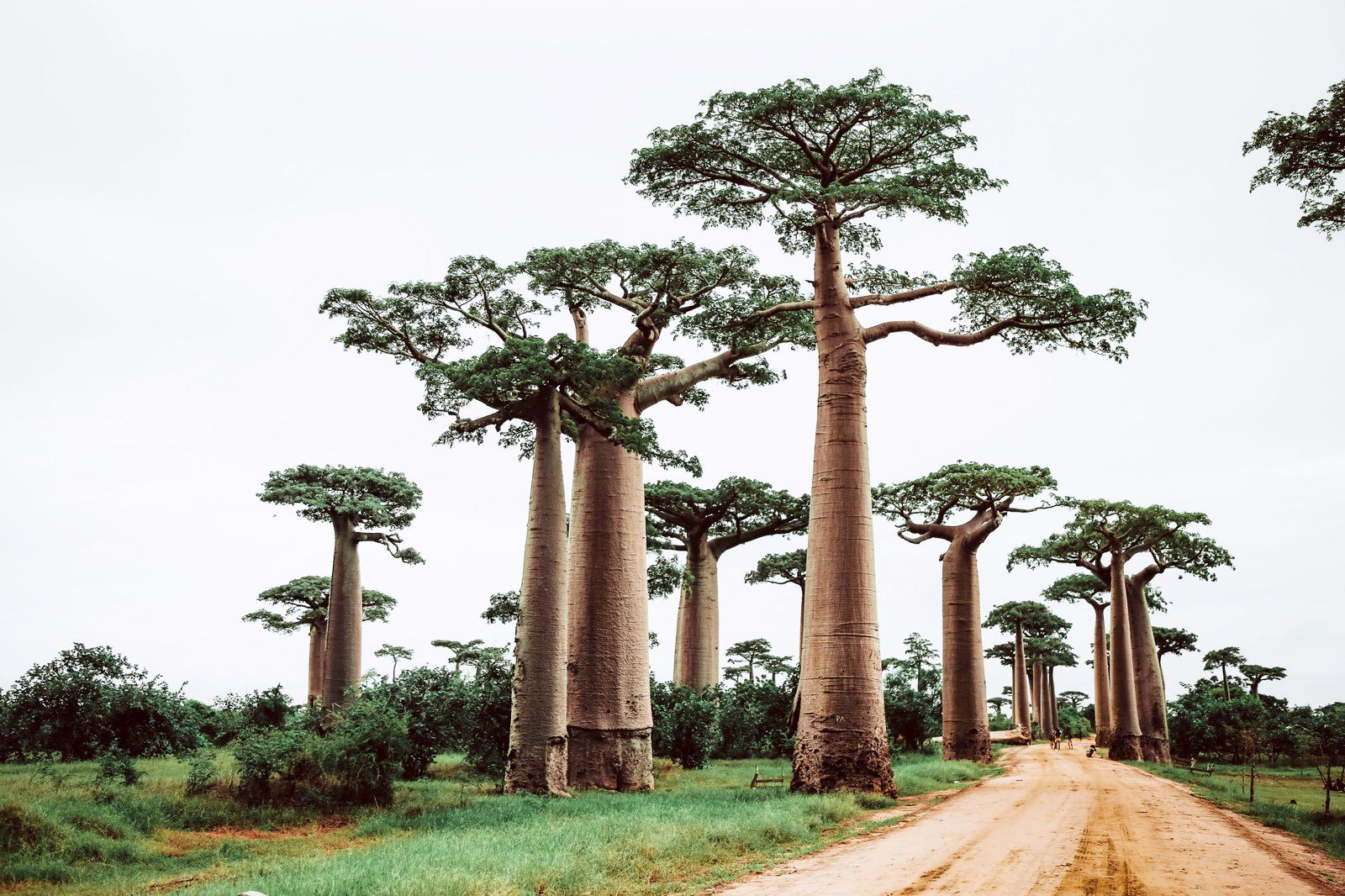
The reliable signal follows the capital and the main corridors. Antananarivo (Tana) and its surrounds are the strongest, along with the larger towns — Antsirabe, Fianarantsoa, Toamasina (Tamatave) on the east coast, Mahajanga (Majunga) in the northwest, Toliara (Tuléar) in the southwest, and the tourist hub of Nosy Be island in the north. The popular routes hold up reasonably in and around the towns they pass: the RN7 road south through Antsirabe and Fianarantsoa toward the Isalo National Park area, and the approaches to the Avenue of the Baobabs near Morondava. Where coverage genuinely drops to nothing is the vast in-between: the long stretches of the RN7 and other national roads between towns, the rainforest national parks like Andasibe-Mantadia and Ranomafana where you'll be tracking lemurs offline, the spiny forest and remote south, the far-northern Masoala peninsula, and most of the coastline and offshore islands away from the resort centres. On a multi-day overland transfer, treat long gaps with no signal as normal. The practical move is to download offline maps, lodge addresses, your itinerary and any booking references before you leave a town with good service, because the next reliable signal may be hours of driving away.
How much data you'll need
Because so much of a Madagascar trip is spent in parks and on the road out of coverage, in-town data use tends to be modest and bursty — you sync, message and plan when you have signal, then go quiet. Day to day it's Maps in the towns, WhatsApp and Messenger, the occasional browser check, mobile money, and photo backups whenever you're connected. As a rough guide: a short stay focused on Tana and one region runs around 2-4 GB; a one-to-two-week loop down the RN7 or up to Nosy Be, with plenty of offline park time, typically lands around 5-10 GB; and only if you're working remotely from a town base or streaming in the evenings would you want a larger or unlimited-style allowance. The plans above are grouped along those bands, so match the allowance to how much town time you'll really have rather than the total length of the trip.
Keep your number and WhatsApp
A modern phone runs your travel eSIM alongside your normal SIM. Let the eSIM carry data and keep your home number active for calls, SMS and the bank or authenticator one-time codes you don't want to lose. WhatsApp stays linked to your home number no matter which SIM has the data, so your lodge, your guide and the people at home reach you the same as always. Switch your home SIM's data roaming off so it can't quietly bill you in the background while the eSIM does the work, and set the eSIM as your default data line so there's no accidental roaming on the rare moments both networks appear.
Before you fly
Confirm your handset supports eSIM first — most iPhones from the XR onward, plus recent Samsung Galaxy, Google Pixel and various Motorola and Honor models. Our compatibility checker verifies it in seconds. Install the profile on home Wi-Fi before you leave; it activates on arrival, so you land at Antananarivo Ivato (TNR) or Nosy Be Fascene (NOS) already connected — useful for confirming your transfer pickup before you've left the terminal.
Good to know: download everything before the road
Madagascar's national roads are long, slow and often unsealed, and you can drive for hours between towns with no signal at all. Before any overland leg, save offline maps, your full itinerary, lodge contacts and emergency numbers while you still have data — and carry a power bank, since charging on the road is unpredictable. If your trip pairs Madagascar with mainland or Indian Ocean stops, a separate plan for the next country keeps you covered without relying on costly cross-border roaming.