







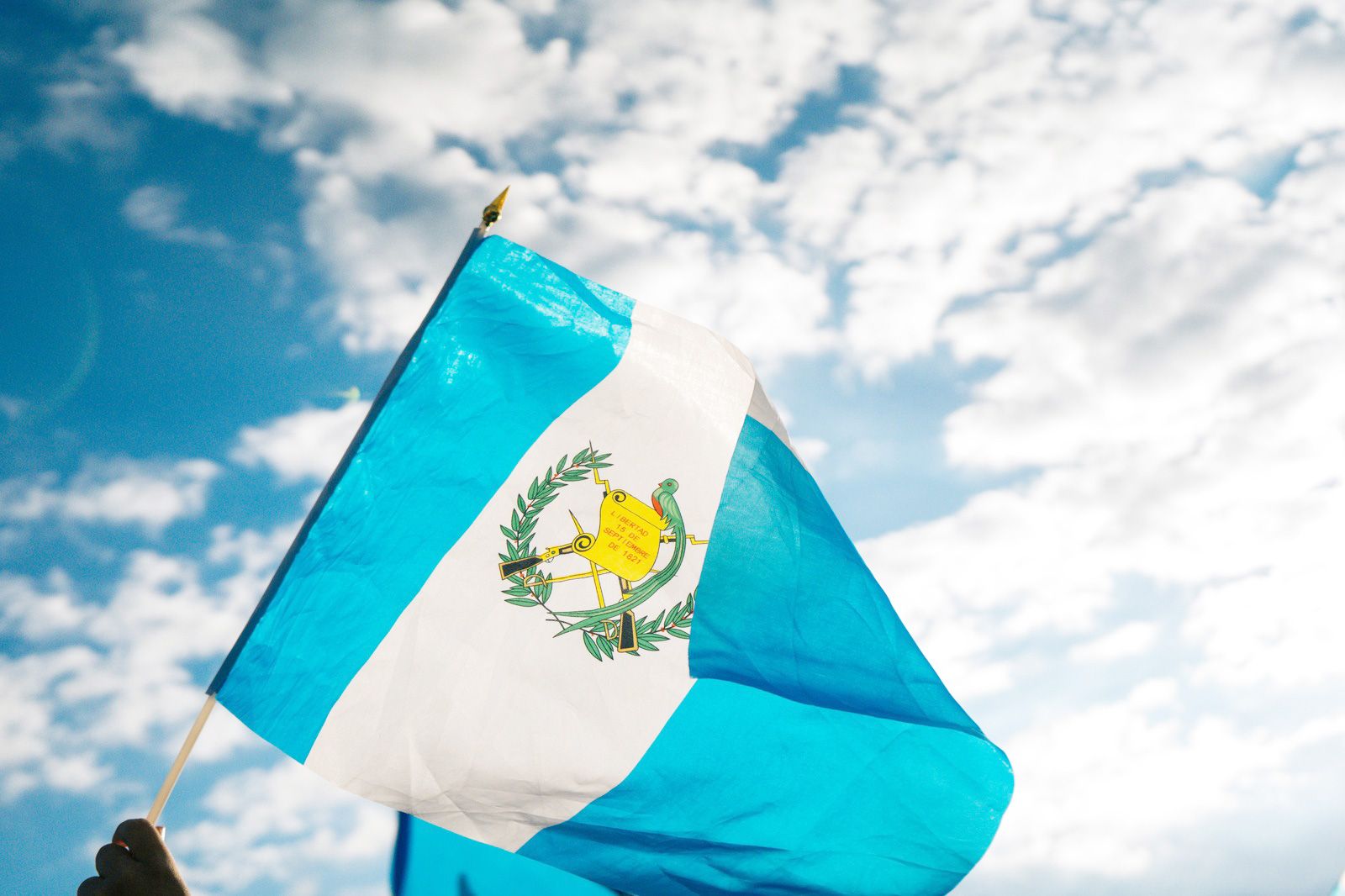


Using mobile data in Guatemala: what to expect
Guatemala's mobile market is dominated by Tigo and Claro, with Movistar a smaller third option. Between them, 4G/LTE reaches Guatemala City, Antigua, Quetzaltenango (Xela) and the main tourist circuit around Lake Atitlán without much trouble. 5G is only just appearing in the capital and shouldn't be a factor in your planning. For the practical things travellers do here — pulling up Maps, messaging your hotel, translating a market sign, booking a shuttle — 4G is plenty, and a travel eSIM gets you on it the moment you land instead of hunting for a prepaid SIM and showing your passport at a kiosk.
Coverage across Guatemala
Signal is reliable in and around Guatemala City, along the Pan-American Highway, and in Antigua, where most first-time visitors base themselves. Around Lake Atitlán coverage is decent in Panajachel and the larger villages, though it can wobble in the smaller lakeside towns and on the boat crossings between them. Tikal and the Petén jungle in the north have patchy coverage — expect data near Flores and Santa Elena and very little once you're deep among the ruins. The western highlands around Huehuetenango and the Cuchumatanes mountains have real dead zones on the winding roads, and the Caribbean coast toward Puerto Barrios and Río Dulce thins out too. Download offline maps before heading into the highlands or the jungle.
How much data you'll need
Guatemala travel is fairly data-light, but the apps you'll lean on matter more than the headline number. Google Maps does most of the heavy lifting for navigation, and downloading the Antigua, Guatemala City and Atitlán areas offline before you arrive cuts your usage considerably. WhatsApp is the default for everything from tour operators and shuttle drivers to your guesthouse confirming a late check-in, and Google Translate's camera mode is genuinely useful in highland markets where Spanish gives way to Mayan languages. Uber works in Guatemala City and Antigua, which spares you negotiating taxi fares. A rough guide: a long weekend in Antigua and the capital runs around 3-5 GB; a one-to-two-week loop through Antigua, Atitlán and Tikal lands near 8-15 GB; if you plan to stream, upload a lot of photos, or hotspot a laptop while working remotely from a lakeside cafe, size up or pick something unlimited-style. The plans above show the live options — pick by trip length and your habits, not by guesswork.
Keep your number and WhatsApp
A modern phone runs your travel eSIM alongside your normal SIM, so you don't lose anything by switching to data on the eSIM. The eSIM carries data in Guatemala while your home SIM keeps your usual number live for calls, SMS and the bank one-time codes that always seem to arrive at the worst possible moment. WhatsApp stays tied to your existing number — no need to re-register, and no need to tell anyone you've changed anything. The one setting that genuinely matters: switch your home SIM's data roaming off in your phone's settings so it can't quietly rack up international charges in the background while the eSIM does the real work. Set the eSIM as your default for cellular data and you're done; calls and texts still route through your home number automatically.
Before you fly
First, confirm your handset is eSIM-capable — most iPhones from the XR onward, plus recent Samsung Galaxy, Google Pixel and several Motorola models. Our compatibility checker tells you in a few seconds. Install the eSIM while you're still on home Wi-Fi; it sits dormant and only activates once you land and connect to a Guatemalan network, typically at La Aurora International (GUA) in Guatemala City or the smaller Mundo Maya (FRS) near Flores if you're flying straight to Tikal.
Crossing into Central America?
Guatemala pairs naturally with its neighbours — many travellers continue overland into Belize or down toward Honduras and El Salvador. If your route spans several countries, check whether a multi-country plan keeps you connected across the borders on a single eSIM rather than juggling a new one at each frontier.