









Using mobile data in Saudi Arabia: what to expect
Saudi Arabia has one of the most aggressively built-out mobile networks in the region. STC, Mobily and Zain have rolled 5G across every major city, and 4G/LTE reaches far out along the main highways. In the big urban centres you'll see genuinely fast speeds — more than enough for video calls, navigation, mobile payments and streaming. The reason a travel eSIM makes sense here is less about coverage and more about friction: buying a local SIM means an Absher-linked registration tied to a national ID or residency status, which is awkward for short-stay visitors. An eSIM skips all of that. You install one data allowance before you arrive, it activates on landing, and there are no roaming bills waiting on your home account. It runs alongside your usual SIM, so your normal number stays reachable the whole trip.
Coverage across Saudi Arabia
Signal is excellent across the populated west and centre, and along the corridors visitors actually travel.
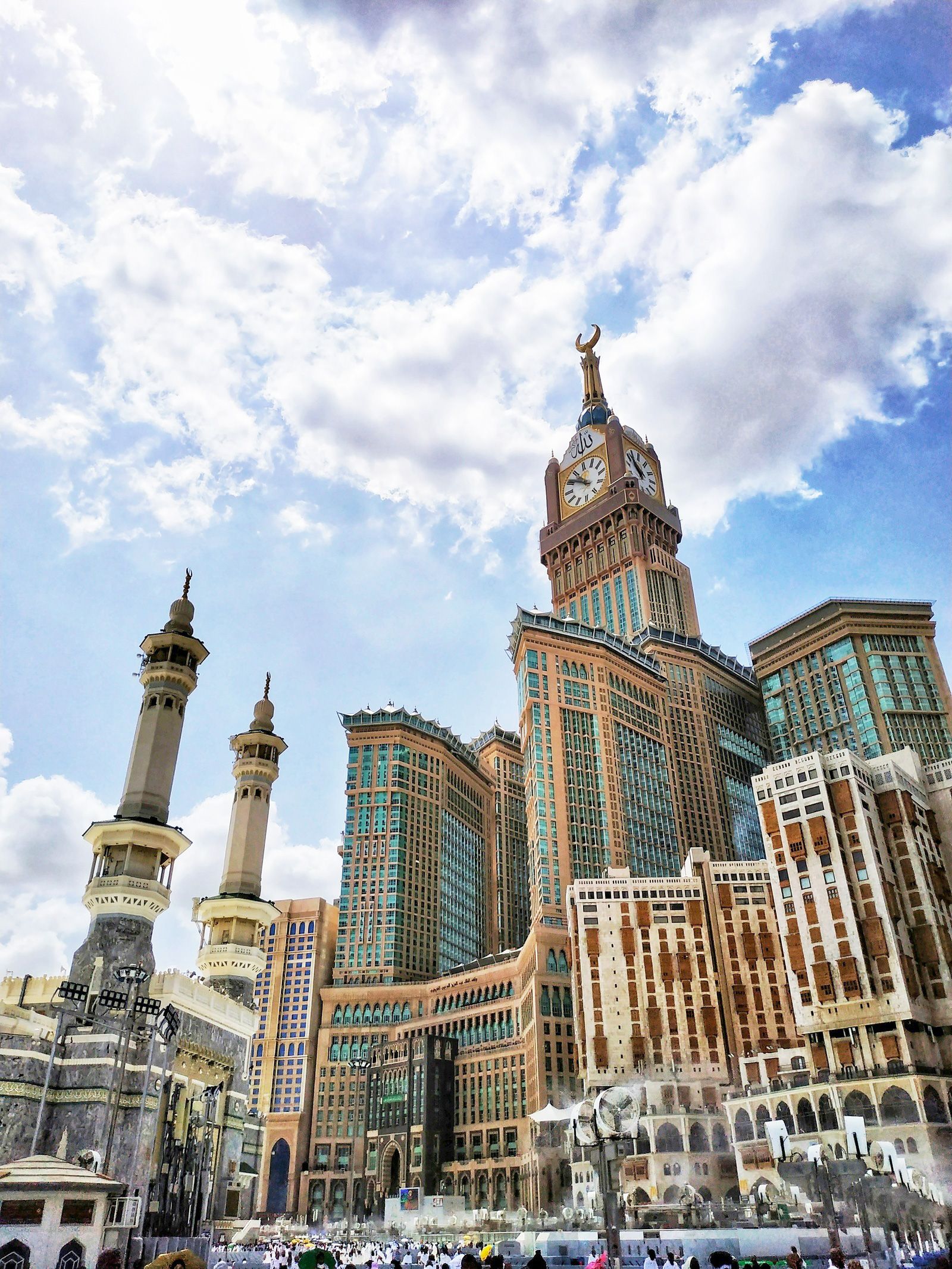
- Strong: Riyadh and its expanding suburbs; Jeddah and the Red Sea corniche; Mecca and Medina, where networks are heavily reinforced for pilgrim volumes; the Eastern Province — Dammam, Khobar and Dhahran; and the highway between them. AlUla, the headline heritage destination, has solid coverage around the town and the main Hegra visitor areas.
- Patchy or weak: the deep Empty Quarter (Rub' al Khali) desert, long stretches of the open interior between cities, mountain roads in the Asir region around Abha, and the far reaches of the Red Sea coast away from developed resorts. Treat anything well off the main highways as potentially offline.
For a trip built around Riyadh, Jeddah, the two holy cities and AlUla, you'll be connected almost everywhere that matters.
How much data you'll need
Saudi Arabia leans heavily digital. WhatsApp is the default for everything, Google Maps and the local Careem and Uber ride apps run constantly, and pilgrims often want reliable video to share Umrah or Hajj moments with family back home. Against the plans above:
- Umrah or a short city visit (4–7 days): 4–6 GB covers maps, messaging and regular video calls home.
- Two-week multi-city trip: 10–15 GB if you're streaming, navigating daily and uploading from AlUla and the Red Sea.
- Business or heavy use: 20 GB or more, topped up rather than rationed.
Video calls during the holy days are data-hungry — if family back home is your priority, lean toward the larger end.
Keep your number and WhatsApp
Using an eSIM doesn't mean losing your number. On a dual-SIM phone the eSIM carries data while your home SIM stays live for calls, SMS and the 2FA codes from your bank that still arrive by text. WhatsApp stays on your existing number — voice and video calls included, which matters in a country where WhatsApp calling is the main way to reach people — no matter which SIM is handling data. Switch data roaming off on your home SIM so it can't rack up charges, and let the eSIM do the internet.
Before you fly
Check your phone is eSIM-ready and unlocked with our compatibility checker first — it takes under a minute. Install the eSIM at home on Wi-Fi so the profile is loaded before departure; it activates automatically once you land. Most arrivals come through Jeddah (JED), the main gateway for pilgrims, Riyadh (RUH) for the capital, and Dammam (DMM) in the east, with a growing number flying into Medina (MED) directly for Umrah. The eSIM connects the moment you leave airplane mode, so you can summon a Careem before you reach the terminal exit. For wider regional travel, our Asia eSIM hub covers neighbouring destinations.
Good to know: VoIP, dress and the heat
One genuinely useful fact: VoIP calling — WhatsApp, FaceTime and similar — was restricted in Saudi Arabia for years but is now broadly permitted, which is why a data plan that supports video calls home is so valuable for pilgrims today. A practical tip on top of that: signal inside large mosque complexes and crowded pilgrimage areas can slow under sheer user load even where the network is strong, so download offline maps and any QR-coded permits in advance rather than relying on a live connection in the crowd. And in summer, keep your phone out of direct sun — devices throttle and drop data connections when they overheat.